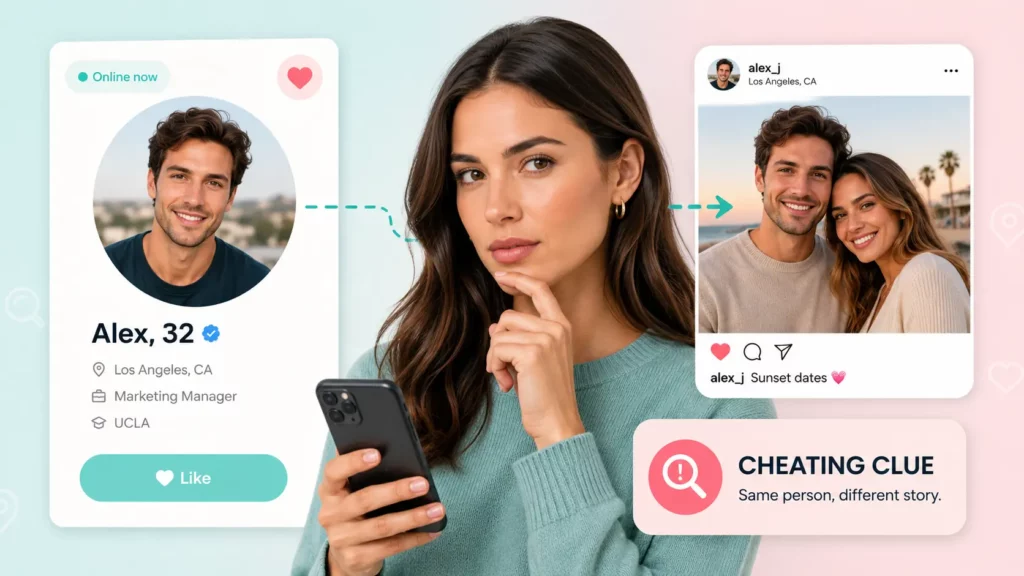
You can scroll someone’s Facebook profile for an hour and never see a trace of it. Facebook Dating runs as a separate, opt-in profile inside the Facebook app, it isn’t shown to Facebook friends by default, and no notification goes out to anyone when a person activates it. That silo is the whole reason “just checking their Facebook” doesn’t work — and why most of the behavioral signs people look for are circumstantial at best. This guide covers what those signs actually are, why they fall short of proof, and the two search methods that can confirm a Facebook Dating profile directly.
Can You Check If Someone Is on Facebook Dating
When someone sets up Facebook Dating, only their first name and age carry over from their main account. Everything else — bio, prompts, photos, preferences — is built from scratch on a profile that only other Dating users can see. Unless you also use Facebook Dating and happen to match with them, the profile is effectively invisible from the regular Facebook app, regardless of how close you are as Facebook friends.
That’s by design. Facebook built Dating to keep romantic activity separate from the social graph of friends, coworkers, and family who use the main app. It’s a reasonable privacy feature for most users — it just means you need a different approach if you’re trying to confirm whether someone specific is using it.
How to Find Out If Someone Is on Facebook Dating
If you have something to search with — a photo or an email address tied to the person — there are two methods that return a direct answer instead of a guess.
Search Their Profile Photo

Facebook Dating profiles need photos, and people frequently reuse the same images across their main Facebook account, dating apps, and their Dating profile rather than shooting new ones. That overlap makes a reverse photo search one of the more reliable ways to confirm a hidden dating profile: run their most recent profile picture through a reverse face search, and it surfaces everywhere else that same face appears online, including matching profiles on dating platforms. That guide walks through the step-by-step process and what separates a free reverse image search from a dedicated face-matching tool.
Search Their Email Address

If you don’t have a usable photo but do have an email address associated with the person, that works just as well. Most dating platforms, Facebook Dating included, are tied to the account’s registered email behind the scenes, and people tend to reuse the same address — or an obvious variation of it — across every account they create. Running that address through a reverse email lookup checks it against public records, breach databases, and linked account signals at once — the same process covered in this guide to searching dating profiles by email, which is faster and more complete than checking one platform at a time. Searqle runs a photo or email through public records, social platforms, and dating accounts in one report — no account creation required, and the person is never notified of the search.
Both methods work because they don’t depend on Facebook’s own visibility settings at all — they search the public footprint attached to a photo or an email address, which exists independently of whatever privacy choices someone made inside the Facebook Dating app itself.
Signs Someone May Be Using Facebook Dating
None of these confirm anything on their own, but together they’re often what prompts someone to look further.
- Dismissed notifications. Facebook Dating sends match and message alerts through the main Facebook app’s notification system. If someone swipes away notifications unusually fast or keeps their phone face-down more than usual, it’s worth noting.
- Sudden profile photo activity. Facebook Dating nudges users to keep photos current for better matches, so a burst of new profile pictures — especially solo, flattering shots — can be a tell.
- Increased activity at odd hours. Late-night or early-morning Facebook use that doesn’t match someone’s normal posting or messaging habits can line up with Dating browsing sessions.
- New privacy lockdowns. Hiding a friends list, restricting who can see posts, or tightening visibility settings right around when you started wondering is a common pattern — people using Dating often clean up their main profile’s visibility at the same time.
- Joining singles or dating-adjacent Facebook groups. These groups aren’t the same as Dating itself, but they’re a signal of the same underlying interest.
- A “someone likes you” notification. Facebook Dating’s Secret Crush feature lets a user list up to nine Facebook friends they’re interested in. If both people add each other, both get notified. Seeing this kind of alert pop up on a shared or visible device is one of the more direct tells on this list.
Why These Signs Aren’t Proof
Facebook Dating isn’t a browsable directory — profiles are only ever surfaced to other Dating users through the matching algorithm, never searchable by name. On top of that, a user can limit whether friends-of-friends get suggested as potential matches, and can individually block specific people from ever seeing their profile. There’s also a “Browse Privately” setting, which stops other users from getting a notification when their profile is viewed — but it doesn’t hide the profile itself, and it doesn’t change whether the person using it shows up in match suggestions.
In practice, this means someone can be careful enough that none of the behavioral signs above ever surface, while someone else shows several of them for reasons that have nothing to do with Facebook Dating. Noticing the pattern is a reason to look closer, not a conclusion.
What to Do After You Find a Hidden Dating Profile
A confirmed match is still just information. Before acting on it, make sure the result is actually current — profile photos and even email registrations can be old. If you’re checking on a partner, it’s worth deciding in advance what you’ll do with a confirmed result rather than figuring that out in the moment. If you’re checking on a new match or someone you’ve met online, treat a hidden Dating profile (or the absence of one, if you expected to find one) as one data point in a broader picture, not the whole picture.
Frequently Asked Questions
No. Facebook Dating doesn’t notify anyone when their main profile is viewed, and the photo and email search methods above happen entirely outside Facebook, so there’s no notification mechanism at all.
No. Activating Facebook Dating never generates a notification to friends, family, or contacts. This is the main reason behavioral guesswork only gets you so far.
Not reliably. Facebook Dating has no public, searchable directory, and a name alone is rarely unique enough to confirm an identity. A photo or email address gives a search something concrete to match against.