
You matched with someone on Bumble, had a decent conversation, and now you want more than a first name and a handful of photos before you agree to meet up. The obvious move is to look them up on Facebook — except Bumble doesn’t hand you much to search with. There’s no last name, no mutual-friends list, and no link back to their Facebook account unless they’ve chosen to share one.
That’s not an accident. Bumble hasn’t required Facebook to sign up since 2018, and it quietly dropped the mutual-friends feature that used to connect matches years ago. What you’re left with is a first name, an age, a bio, some photos, and maybe an Instagram handle — which is enough to work with, just not enough to get a result on the first try. This guide walks through six methods, starting with what’s free and manual and ending with what to do when those come up empty.
Checking before you meet up isn’t overcautious — it’s become the norm. A 2023 Pew Research Center survey found that 52% of U.S. online dating users believe they’ve encountered a scammer or fake profile on a dating platform, and that figure climbs to 63% among men under 50. Confirming that a match’s Facebook, Instagram, or other accounts line up with what they’ve told you is one of the simplest ways to rule that out before investing more time.
Is It Possible to Find Someone From Bumble on Facebook
Bumble’s design works against casual lookups on purpose. A few specifics explain why:
Facebook is now optional. New users can sign up with a phone number or Apple ID, and Facebook login only works inside the mobile app — it’s not even an option on Bumble’s website. That means a large share of profiles have no Facebook connection attached at all.
Mutual friends aren’t shown anymore. Early versions of Bumble (and Tinder) displayed shared Facebook friends right on a match’s profile, which made cross-referencing trivial. That feature is gone. Today, connecting a Facebook account to Bumble doesn’t surface anything on your match’s profile — the only outside platforms Bumble shows are Instagram and Spotify, when a user has linked them.
There’s no public directory. You can’t search Bumble by name the way you can search Facebook. Whatever you find has to come from what’s visible on the profile itself, plus whatever you can cross-reference outside the app.
What You’re Likely Working With
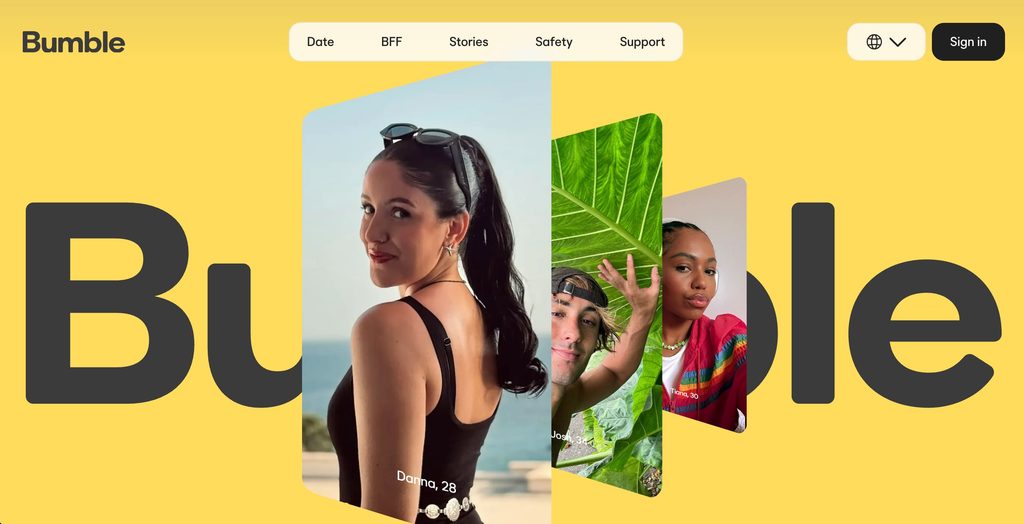
Before trying any method, take stock of what the profile actually gives you. A typical Bumble profile includes a first name, an age, two to six photos, a short bio, and — depending on what the person filled in — a job title, school, or city. Some profiles also show a connected Instagram handle as a small icon near the photos. None of this is a guaranteed path to a Facebook match, but combined, it’s usually enough to narrow things down.
6 Ways to Find Someone From Bumble on Facebook
Method 1: Search Facebook by Name
Start with the obvious move, just done carefully. A first name alone returns thousands of results, so the goal is to layer on every other detail from the Bumble profile to narrow that list.
- Open Facebook and type the first name into the search bar.
- Click People to filter out pages, groups, and posts.
- Add a second search using the name plus the city or neighborhood mentioned in their bio (for example, “Jordan Chicago”).
- If a job or school was listed, try that combination too — Facebook’s search handles multi-word queries like “Jordan Resident physician Chicago” reasonably well.
- Scroll through results and compare profile photos against the Bumble pictures. A matching face, even with a different last name guess, is your strongest signal.
This works best for less common first names in specific cities. “Jordan Smith” is nearly impossible to isolate this way; “Zareen” in a mid-sized city is much more workable.
Method 2: Check Their Instagram
If the Bumble profile shows a linked Instagram handle, check that before going back to Facebook. Instagram bios sometimes include a real full name, a Facebook link, a Linktree with other social accounts, or location tags that narrow down a city or employer — all of which make the Facebook name search in Method 1 far more specific. Even without a direct link, confirming the person’s full name through Instagram turns a frustrating first-name-only search into a normal one.
Method 3: Run a Reverse Image Search
When a name search stalls — common names, no bio details, no Instagram — the photo itself becomes the most useful thing you have. Save the clearest, most recent photo from their Bumble profile, then run it through Google Images or Yandex to see where else it appears online. If the same photo is used as a public Facebook profile picture or cover photo, a reverse image search can surface it directly.
Pixel-matching tools like Google and Yandex only catch exact or near-exact copies of a file, though, so a cropped or filtered version of the same photo can slip past them. For a method built to catch those cases — matching the actual face across different photos, angles, and platforms — this guide to running a reverse face search walks through the stronger approach, including which tools go beyond simple file matching and how to tell a real match from a coincidental lookalike.
Method 4: Ask a Mutual Connection
If Bumble shows you’re in the same city, work in the same industry, or attended the same school, there’s a reasonable chance you share a mutual friend even without Bumble surfacing it directly. A quick, low-pressure message to a friend who might know the person — “do you happen to know a [name] who works in [industry]?” — is often faster than any search tool, and it comes with built-in verification: a mutual friend can usually confirm you’ve got the right person before you even open Facebook.
Method 5: Search by Email
If your Bumble conversation has moved far enough that you have an email address — maybe they sent it so you could follow up outside the app — that’s one of the more reliable identifiers you can search with. People tend to register Facebook, Instagram, and other accounts with the same one or two email addresses, which makes an email a stronger starting point than a first name alone.
Facebook’s own Forgot Password tool is the quickest free check: go to facebook.com/login/identify, enter the email, and if an account exists, Facebook will show the account holder’s name and a partially blurred profile photo — without needing to log in or send any request. It’s one of several techniques covered in this guide on how to find a Facebook account by email address, which also explains Facebook’s contact-sync method and what to do when the password-reset trick comes back empty.
Method 6: Use a People Search Tool

When the manual methods stall — common name, no email, a reverse image search that comes back empty — a dedicated people search platform picks up where free tools stop. Searqle accepts a name, email, or photo and checks it against public records, social platforms, and dating profiles in a single report, rather than requiring you to run separate searches across Facebook, Google Images, and a phone directory one at a time.
How to use it:
- Go to Searqle and choose Photo Lookup (if you saved a Bumble picture) or Email Lookup (if you have an address).
- Upload the photo or enter the email address.
- Review the report, which can include linked social profiles — including Facebook — associated names, and other public identity details.
- Compare the results against what you already know from the Bumble conversation to confirm it’s the right person.
A photo search is particularly useful here because it isn’t limited to Facebook. If the same picture turns up on a different dating app, that’s worth knowing on its own, separate from whether you ever find their Facebook.
Searqle vs. Other Lookup Tools
| Feature | Searqle | Social Catfish | Spokeo |
|---|---|---|---|
| Search by photo | Yes | Yes | No |
| Search by email | Yes | Yes | Yes |
| Facebook profile in report | Yes | Yes | Yes |
| Dating profile matches included | Yes | Yes | No |
| No Facebook account required | Yes | Yes | Yes |
| Trial pricing | $1 / 7 days | $5.73 trial | Limited free |
Searqle fits best when you’re starting from a photo and a name rather than a confirmed email, since it runs both against the same report instead of requiring two separate tools.
FAQ
Bumble doesn’t verify or cross-check the names users enter, and there’s no way to search other users by name inside the app. A name search on Facebook, a reverse image search, or a people search tool are the only ways to confirm a Bumble profile belongs to who it claims to.
No. Nothing you do outside the Bumble app — searching Facebook, running a reverse image search, or using a lookup tool — is visible to Bumble or to the other person. These searches happen entirely independently of the app.
That can mean the photos aren’t used anywhere public, the Facebook account has strict privacy settings, or — less commonly — the photos were taken from someone else’s account entirely. If a reverse image search and a name search both come up empty, a dedicated photo lookup tool is worth trying before assuming the profile is fake.
Not automatically. Plenty of real people keep a minimal or fully private Facebook presence, or never made an account in the first place. It’s worth noting alongside other context — a profile with very few photos, a reluctance to video call, or inconsistent details is a stronger signal than an absent Facebook account on its own.
Conclusion
Finding someone from Bumble on Facebook takes more legwork than it used to, mostly because Bumble no longer gives you the shortcuts — mutual friends, a Facebook link, a last name — that made this simple a few years ago. Start with a careful name-and-location search, check any linked Instagram for extra details, and run their photos through a reverse image search if the name alone isn’t getting you anywhere. When none of that lands, a people search platform that covers photo and email in one report is the fastest way to close the gap, especially if you suspect the profile isn’t telling the whole story.


