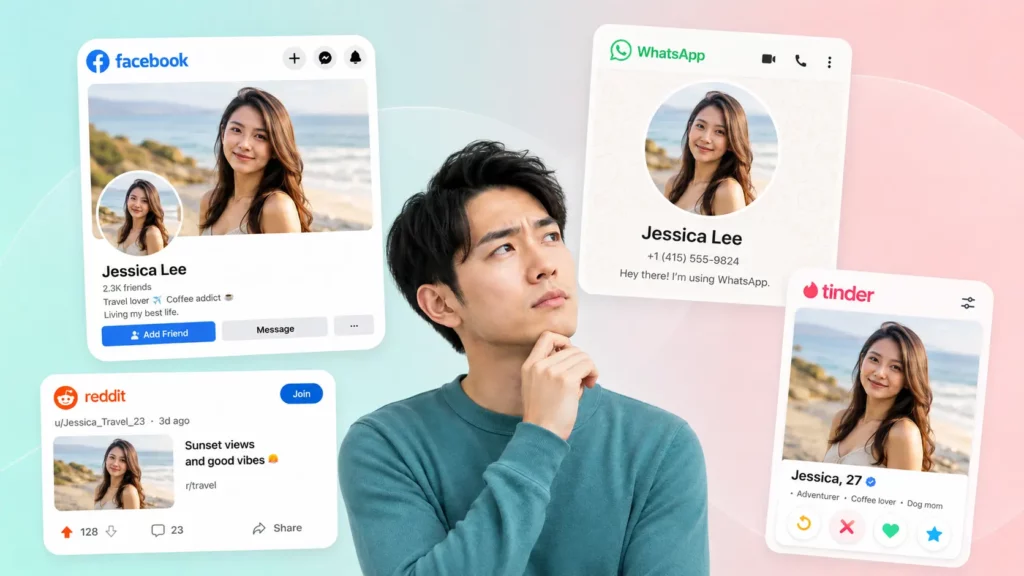
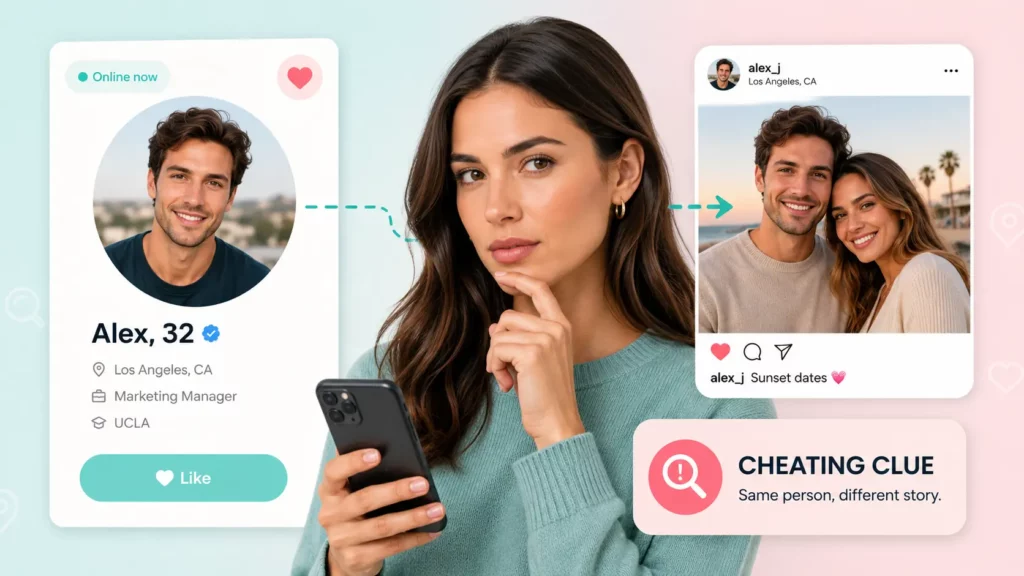
Maybe your partner’s “main” Instagram looks oddly quiet for someone who’s always on their phone. Maybe a new contact’s profile has three posts and no history, and something about it feels staged. Either way, you’ve landed on the same question: how do you see if someone has multiple Instagram accounts when the app itself won’t tell you?
It won’t, and that’s by design. But a quiet profile, a suspicious new contact, or a gut feeling that someone’s hiding a second account can usually be checked without ever needing their password. This guide walks through seven practical methods, in order of how easy they are to try, plus the behavioral signs that tend to show up alongside a hidden second account.
Why Do People Have Multiple Instagram Accounts
Having more than one Instagram account isn’t automatically suspicious. The reasons range from mundane to evasive:
A finsta (fake Instagram) is a private, often anonymous account used to post without the filter of a public profile — common among teens and young adults who want a space away from parents, employers, or followers who expect a curated feed. A business-personal split is just as common: a creator or small business owner runs a professional account for followers and clients, and a separate personal one for friends and family. Some people keep a dating-app-specific account, built to look good for matches rather than everyday followers. And some keep a second account specifically to lurk or watch someone’s stories anonymously, without their main account showing up in that person’s viewer list.
The methods below don’t assume bad intent. They just help you confirm what’s actually going on.
Can Instagram Tell You If Someone Has Multiple Accounts
No. Instagram has no setting, notification, or public tool that reveals how many accounts a person manages, and it never discloses linked profiles to anyone browsing from the outside. If two accounts share a login or a device, that connection is visible only to the account holder in their own app settings — never to you. Every method below works around that limitation rather than through it.
7 Ways to Check If Someone Has a Secondary Instagram Account
Start with the free, manual checks. If those come up empty, the later methods — particularly the photo and contact-based lookups — tend to catch what username guessing misses.
1. Search Username Variations
People rarely invent a completely unrelated handle for a second account. Start with the username you already know and try the patterns that show up most often:
- Add or remove numbers: @sarahjones becomes @sarahjones2 or @sarahjones22.
- Swap in underscores or dots: @sarah.jones or @sarah_jones_.
- Add a modifier tied to the account’s purpose: @sarahjones.art, @sarahjonesfit, or @sarahjones.private.
- Try first-name-plus-location or first-name-plus-job combinations if you know either detail.
Run each variation through Instagram’s own search bar. This takes a few minutes and catches a surprising number of casually hidden accounts, since most people don’t put much effort into disguising a second username.
2. Check Bios, Story Highlights, and Tagged Posts
A person’s main account is often the easiest place to find a second one, because people forget their own account is a breadcrumb trail. Look at the bio for a direct mention (“find me at @___”) or a link that routes to another profile. Check saved story highlights — a “photography” or “art” highlight sometimes exists because it used to be cross-posted from a second, more specialized account. Tagged photos are worth a scroll too: friends sometimes tag both accounts in a group photo caption without thinking about it.
3. Scan the Following List for Lookalike Accounts
A secondary account frequently follows the main one, even if the main account doesn’t follow back. Open the following list on the account you already know and look for usernames that resemble it, profile photos that match or nearly match, or accounts with very few followers and a recent creation date. Mutual followers are another tell: if several of the same people follow both the known account and a suspicious second one, that overlap is hard to explain away as coincidence.
4. Run a Reverse Image or Face Search on the Profile Photo
This is where manual checking usually runs out of road. Username guessing and following-list scans only work if the second account uses a recognizable name or shows up in a visible list — a well-hidden alt account does neither. The photo is often the only consistent thread between accounts, since people tend to reuse a flattering picture across profiles even when they’ve changed the name, bio, and privacy settings entirely.
A standard reverse image search, like dragging a photo into Google Images, only finds exact copies of that file. If the second account uses a different photo of the same person — a new haircut, a cropped version, a different angle — pixel matching misses it. Facial recognition search solves that problem by mapping the geometry of the face itself rather than the image file, which is what lets it connect two different photos of the same person across platforms.
Searqle runs this kind of search: upload a photo and it cross-references the facial structure against public profile pictures, social accounts, and dating platforms, returning a report of where that face appears — including linked Instagram, Facebook, and TikTok accounts tied to the same person, even under a completely different username.
Here’s how to start:
- Go to searqle.io and select the photo search option.
- Upload a clear, front-facing photo of the person — a screenshot from their known account works fine.
- Review the preliminary results, then unlock the full report to see linked social accounts and where else the photo has appeared online.
For this method specifically, a full guide to finding social media accounts by photo covers the step-by-step process in more depth, including how to prepare a photo for the best match rate.
5. Check Other Platforms for Linked or Mentioned Handles
People rarely compartmentalize perfectly across every app. Threads, Instagram’s own companion app, frequently displays the same account or hints at a second one through shared followers. Facebook profiles sometimes list an Instagram handle directly under contact info. TikTok and X bios are common spots for a “my other IG” mention, especially among younger users who treat each platform as a different audience. A five-minute pass through someone’s other social profiles often surfaces a handle that Instagram’s own search never would.
6. Cross-Reference a Known Phone Number or Email
If you already have a phone number or email address tied to the person — from their contact card, an old message thread, or a shared account somewhere — that detail can surface accounts that no amount of username guessing would catch, since it doesn’t depend on the second account’s name resembling the first at all.
A reverse phone or email lookup searches public records tied to that contact information rather than Instagram’s own system, so it works even if the account holder never linked the number publicly or set their privacy settings to block contact-based discovery. Finding an Instagram account by phone number walks through the full process, including what to do when Instagram’s built-in contact sync comes up empty. If an email address is what you have instead, running an email address lookup for Instagram covers the equivalent methods for that starting point.
7. Use Google/Search Engine Operators
A targeted Google search can surface indexed Instagram profiles that general browsing misses. Try the person’s known username or full name combined with site:instagram.com to filter results down to Instagram pages only. If you have a phone number or email, wrapping it in quotes alongside “instagram” sometimes turns up a public mention on a personal site, forum, or old blog post where the two are listed together.
Searqle vs. Manual Methods: Which Finds a Secondary Account Faster
Manual methods cost nothing but depend on the second account being at least somewhat discoverable — a recognizable username, a visible following list, a public bio. When none of that applies, a dedicated lookup tool closes the gap by searching data sources Instagram’s own search never touches.
| Feature | Searqle | Social Catfish | Spokeo |
|---|---|---|---|
| Reverse image / face search | Yes | Yes | No |
| Phone number lookup | Yes | Limited | Yes |
| Email address lookup | Yes | Yes | Yes |
| Report covers multiple platforms (Instagram, Facebook, TikTok, etc.) | Yes | Yes | Yes |
| Works on private or locked accounts | Yes | Yes | Limited |
| Entry price | $1 / 7-day trial | $5.73 unlock | $0.95 / 7-day trial |
Searqle fits best when the method you’d normally reach for first — guessing a username, scanning a following list — has already failed, and what you have left is a photo, a phone number, or an email instead of a handle. It’s the stronger choice specifically because it runs all three search types from one account, so a photo that comes up empty can be followed immediately by a phone or email check without starting over on a different site. It suits people checking a specific contact or date rather than anyone running a broad, open-ended search with no starting detail at all.
Signs Someone Might Be Hiding a Second Account
Technical methods work best alongside a few behavioral patterns that tend to show up when someone is maintaining a second Instagram account:
Their activity pattern doesn’t match what you’d expect — they’re online and posting stories at hours that don’t line up with their usual schedule, which sometimes means a second device or a second account running in parallel. Their “public” account looks thin: few posts, a generic bio, and little engagement, which can mean it’s the account they show to people who ask, not the one they actually use. Mutual friends follow an account you’ve never seen mentioned, which is a stronger signal than it sounds, since people’s real social circles tend to follow their real accounts. And photos or stories referenced in conversation never show up on the account you know, which usually means they exist somewhere you haven’t found yet.
None of these signs confirm anything on their own. Combined with one of the search methods above, they’re usually enough to tell you whether there’s actually a second account to find.
FAQ
Searching publicly available information — a profile photo, a username, public posts — is generally legal in the US, since you’re working with data the person has already made public or that exists in public records. Using the results to harass, stalk, or make decisions covered by laws like the Fair Credit Reporting Act falls outside what these methods are intended for.
Most commonly: a finsta for posting without a public audience, a split between a business account and a personal one, an account built specifically for dating apps, or an account kept anonymous for browsing without their main profile showing up.
A photo-based facial recognition search is usually fastest when you have a clear picture of the person, since it doesn’t depend on guessing a username or scrolling through follower lists. A phone or email lookup is just as fast when you have that contact detail instead.
Yes, for the phone, email, and photo lookup methods. They search data outside Instagram’s own platform, so a private account’s visibility settings don’t block the match the way they’d block a manual search inside the app.
No. None of the methods above — including a reverse image, phone, or email lookup — notify the account holder. They’re based on publicly available information, not actions taken inside Instagram itself.
Bottom Line
Most of the time, checking whether someone has a second Instagram account starts with the free options: a few username variations, a scroll through their following list, a glance at tagged photos. Those catch a lot of casually hidden accounts.
When they don’t — when the only thing connecting a suspicious profile to someone you know is a photo, a phone number, or an email address — that’s the point to run a dedicated search instead of guessing further. Searqle takes whichever detail you have and checks it against public profiles, dating platforms, and social accounts in one report, so a dead end on one search type doesn’t mean starting over from scratch on another site. Upload a photo or enter a number, and you’ll know within minutes whether the account you suspected actually exists.